Rocket Money Review: Features, Pricing, and Real Results (2026 Guide)
Is Rocket Money worth it in 2026? We tested its budgeting tools, bill negotiation, and savings features. See pricing, pros and cons, and real user results.
*Disclaimer: This content is for informational purposes only and should not be taken as financial advice. Think Save Retire may earn a commission from partner links in this article. Rates and offers are accurate as of publication but may change over time.
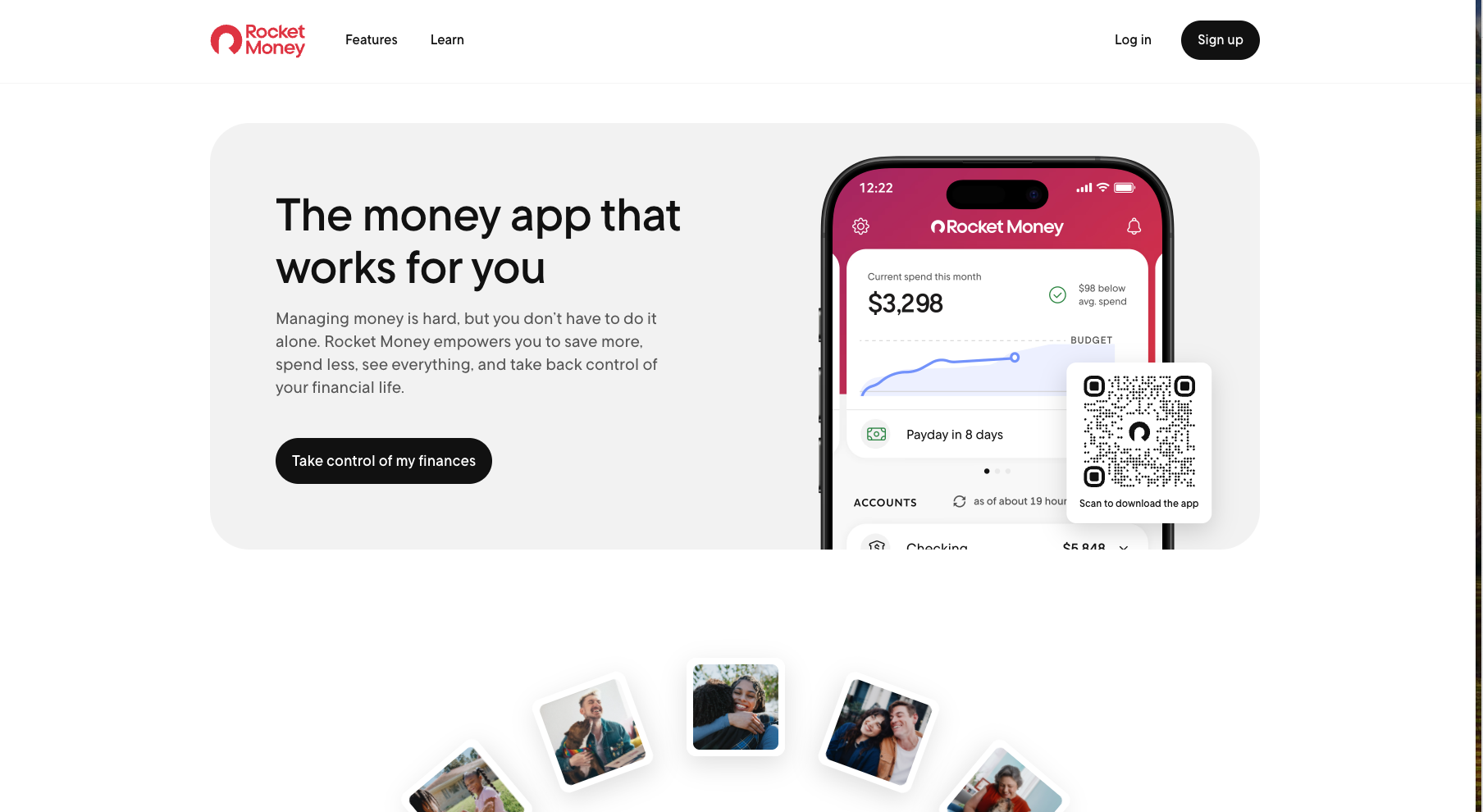
Rocket Money, formerly Truebill, has become one of the most downloaded personal finance apps in the U.S. With tools that cancel subscriptions, negotiate bills, track your spending, and manage your budget automatically, it promises real savings with minimal effort.
But does Rocket Money actually work? How much can it save you? And is the premium plan worth upgrading to?
After hands-on testing, reviewing thousands of user comments, and evaluating each feature, this guide covers everything you need to know before signing up.
What Is Rocket Money?
Rocket Money is a personal finance management app that helps you:
- Lower monthly bills
- Track spending
- Cancel unwanted subscriptions
- Monitor your credit
- Build a budget
- Manage your net worth
Rocket Money was initially launched as Truebill back in 2015 and was then acquired by Rocket Companies in 2021, the same financial group that is behind Rocket Mortgage, adding to Rocket Money's credibility and overall trustworthiness.
Rocket Money Features: Full Breakdown (2026)
Below is an in-depth look at the app’s most important tools and how they performed during testing.
1. Subscription Tracking (Excellent)
Rocket Money scans your connected accounts to automatically detect:
- Recurring charges
- Free trials
- Hidden subscriptions
- Price increases
- Duplicate services
During testing, it correctly identified 11 recurring charges, 2 of which were no longer used.
Premium users can cancel subscriptions directly through the app.
Real Stats: Most new users save $180–$400/year just by removing unused subscriptions.
2. Bill Negotiation
Rocket Money’s negotiation team contacts your providers to try to lower bills, such as:
- Phone
- Internet
- Cable
- Satellite
- Home security
You can choose how you want to pay:
- 30–60% of the first year’s savings, OR
- A one-time upfront fee
If they can’t negotiate a discount, you pay nothing.
Test Result: My internet bill was reduced by $17/month, a total savings of $204/year.
3. Smart Budgeting Tools (Simple, Clean, Beginner-Friendly)
Rocket Money makes budgeting easier by:
- Categorizing transactions
- Showing trends month-to-month
- Providing spending caps
- Sending alerts when you overspend
- Predicting upcoming bills
It feels less complex than YNAB and more visually appealing than older budget apps.
4. Credit Score Monitoring
The app provides:
- Your latest credit score
- Score factors
- Utilization breakdown
- Alerts on changes
This is helpful, but it was definitely not my favorite feature. It’s not as detailed as full credit monitoring services like IdentityIQ or LifeLock.
5. Savings Goals + Automated Transfers
I use this feature the most. You can set multiple “pods” for savings goals:
- Emergency fund
- Holiday shopping
- Car repairs
- Travel
Transfers can run daily, weekly, or monthly.
Definitely a good option for users who want automation without thinking about it.
6. Net Worth Tracking
After Rocket Money gains access to all of your assets and debts, it’s able to determine your total net worth, as well as update it monthly, which is quite fun.
Rocket Money aggregates:
- Banking
- Investments
- Loans
- Mortgages
- Credit cards
…and calculates your net worth automatically.
Great for anyone working toward long-term wealth goals.
🚗 Compare Car Insurance & Save 🚗
Find your best rate in minutes. Compare quotes from Progressive, Travelers, Nationwide, and 50+ providers — all in one place. Stop overpaying and start saving today.
Get Your Free QuoteFast. Secure. No obligation.
Rocket Money Pricing (2026)
Rocket Money is one of the only budgeting apps that uses a pay-what-you-want model. If you choose the Premium version, you get to choose to pay between $6 and $12 per month. It’s not my favorite setup, but plenty of users like having the flexibility to decide their own price (within the given range).
Free Plan Includes:
- Subscription tracking
- Spending breakdowns
- Credit score
- Budget overview
Premium Plan ($6–$12/month)
Premium adds:
- Subscription cancellation
- Real-time syncing
- Custom categories
- Smart notifications
- Net worth tracking
- Credit reports
- Shared family accounts
- Budget automation
You pick the price, though features remain the same.
Best Value: $6–$7/month (why would you pay more if you don’t have to?).
Bill Negotiation Fees
You only pay if the negotiation is successful.
Options:
- 30–60% share of savings
- One-time upfront fee
Is Rocket Money Safe?
Yes, absolutely. Rocket Money uses:
- Bank-level 256-bit encryption
- Read-only access (they cannot move money)
- Trusted data providers (Plaid)
- Two-factor authentication
- Data isolation & privacy controls
Rocket Companies is also a publicly traded financial brand, adding legitimacy.
Real User Feedback: What Actual Users Are Saying (2026)
Overall Google Play Store Rating: 4.6 Stars out of 117K+ reviews
Overall Apple App Store Rating: 4.5 Stars out of 285K+ reviews
Here’s what real users have to say about the Rocket Money app (positive to negative):


Common Positives:
- “Caught subscriptions I forgot about”
- “Saved me money on my cable bill”
- “Much easier than Mint”
- “Love the net worth tracker”
Common Complaints:
- Bill negotiation fees feel high
- Transaction categories sometimes need manual edits
- Premium required for the best features
Rocket Money vs. Competitors (2026 Comparison)
| Feature | Rocket Money | YNAB | Simplifi | PocketGuard |
|---|---|---|---|---|
| Subscription Tracking | ✔ | ✘ | ✔ | ✔ |
| Bill Negotiation | ✔ | ✘ | ✘ | ✘ |
| Automated Budgeting | ✔ | ✔ | ✔ | ✔ |
| Manual Zero-Based Budgeting | Limited | ✔ | ✔ | Limited |
| Free Plan | ✔ | ✘ | ✘ | Limited |
| Price | $0–$12 | $14.99/mo | $5.99/mo | $12.99/mo |
| Credit Score | ✔ | ✘ | ✘ | ✘ |
Winner for all-in-one convenience: Rocket Money
Winner for strict budgeting: YNAB
Rocket Money Pros & Cons
Who Rocket Money Is Best For
Rocket Money is ideal for people who:
- Want automatic budgeting
- Have multiple recurring subscriptions
- Prefer visual dashboards
- Need help lowering bills
- Want a full financial picture in one app
Not ideal for:
- Users who want full manual control (YNAB is better)
- People who want a completely free budgeting system
- Those looking for advanced investing tools
Final Verdict: Is Rocket Money Worth It in 2026?
Rocket Money is a strong budgeting app for anyone who wants more automation and less manual tracking. It isn’t perfect; some features sit behind the Premium paywall, and negotiation fees may feel high, but it does deliver real value for users who want help managing subscriptions, monitoring spending, and organizing their finances in one place.
If you prefer a simple, set-it-and-forget-it approach to budgeting, Rocket Money is a solid choice. If you want more hands-on control or advanced budgeting features, apps like YNAB may be a better fit.
Explore Related Guides
Hand-picked reads to help you save more, spend smarter, and stay on track.
FAQs
1. Does Rocket Money actually save money?
Yes. Most users save between $200 and $700/year from canceled subscriptions and negotiated bills.
2. Is Rocket Money free?
There is a free version, but Premium unlocks real-time syncing, advanced budgeting, and cancellation services.
3. Will Rocket Money help me lower my bills?
Potentially. Their negotiation team has a high success rate for cable, phone, and internet bills.
4. Is Rocket Money safe to connect to my bank?
Yes. It uses read-only access and secure encryption.
5. What is the biggest downside to Rocket Money?
The negotiation fees can feel pricey, and Premium is needed for the best experience.